


Posting pics or linking photobucket account!


Thread Starter
Junior Member
Joined: Jan 2013
Posts: 93
From: El Paso, TX
Posting pics or linking photobucket account!
Hey guys, (sticky) tried creating a photobucket account to upload or link pics but having some issues... can anyone help me or guide me into what to do....


Junior Member
Joined: Apr 2010
Posts: 47
From: Bethesda, MD
Go to photo-bucket, click on the picture u plan on posting, on the right side, there will be four tabs with image links attached. Click the link that says "IMG code" and it is automatically copied. Then you can come on the forum and paste the pic.
Viola!
Viola!

Senior Member
Joined: Jan 2011
Posts: 324
From: VA
What is your issue?
I am assuming you created your account already and have pictures uploaded there already.
Are you just having issues linking them back here?
You might need to change the settings on your pictures or folder to public so that they display on here for everyone. Other than that, under the image you want, just copy the "IMG Code" link and paste it in your post.
I am assuming you created your account already and have pictures uploaded there already.
Are you just having issues linking them back here?
You might need to change the settings on your pictures or folder to public so that they display on here for everyone. Other than that, under the image you want, just copy the "IMG Code" link and paste it in your post.
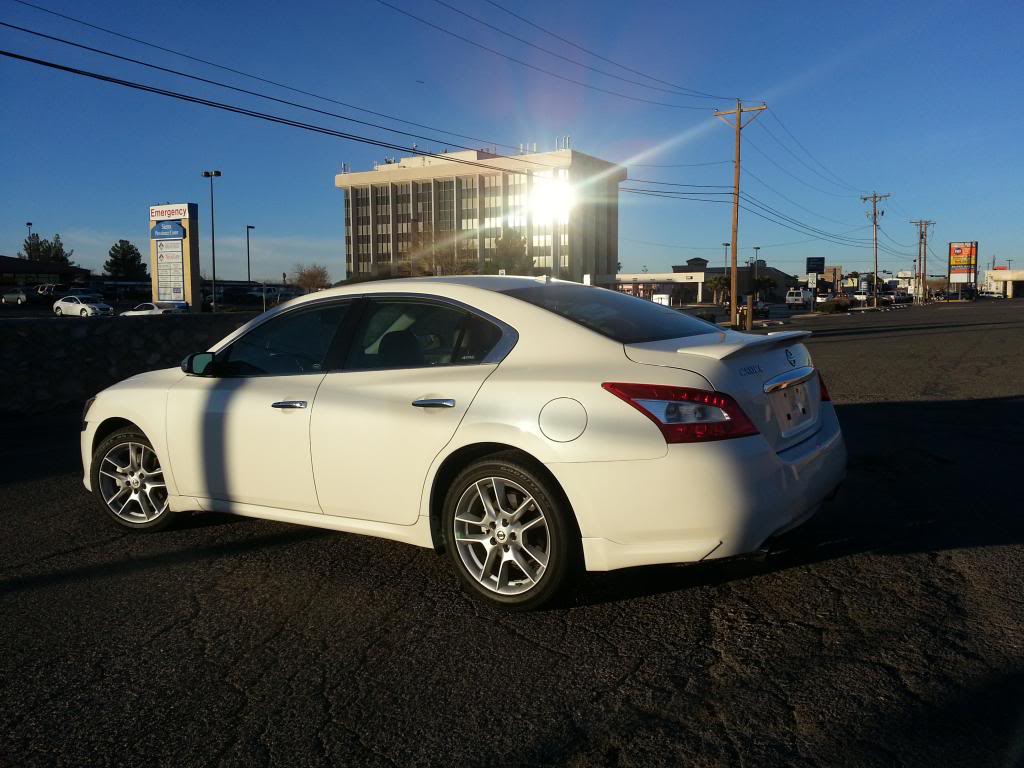
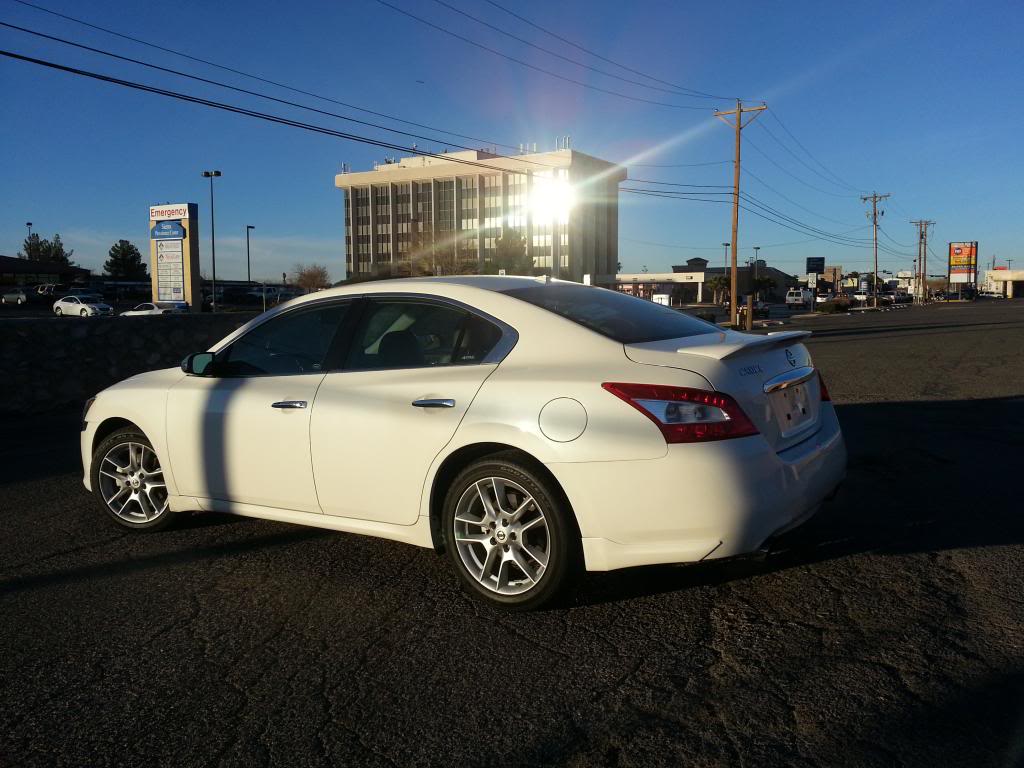
Thread Starter
Junior Member
Joined: Jan 2013
Posts: 93
From: El Paso, TX
What is your issue?
I am assuming you created your account already and have pictures uploaded there already.
Are you just having issues linking them back here?
You might need to change the settings on your pictures or folder to public so that they display on here for everyone. Other than that, under the image you want, just copy the "IMG Code" link and paste it in your post.
I am assuming you created your account already and have pictures uploaded there already.
Are you just having issues linking them back here?
You might need to change the settings on your pictures or folder to public so that they display on here for everyone. Other than that, under the image you want, just copy the "IMG Code" link and paste it in your post.

Thread Starter
Junior Member
Joined: Jan 2013
Posts: 93
From: El Paso, TX
Damn man first off let me say your car looks bad ***! I love them Rays!
Well I just literally bought some 19" sport wheels (V hypersilver) and thinking of just doing simple mods, intake, tinting backlights and changing all bulbs in front...
Well I just literally bought some 19" sport wheels (V hypersilver) and thinking of just doing simple mods, intake, tinting backlights and changing all bulbs in front...

Thread
Thread Starter
Forum
Replies
Last Post
Slamrod
4th Generation Maxima (1995-1999)
5
Apr 10, 2016 05:24 PM
max_speed97
5th Generation Classifieds (2000-2003)
2
Aug 26, 2015 07:46 PM