


I want to post a picture,but I don't know how? Step in here :-)



I want to post a picture,but I don't know how? Step in here :-)
How to post pictures...
1.Upload pictures to your pc..
2.If the pictures are high quality,then it would be a good idea to resize them.. Microsoft has a image resizer download that makes it easy..
http://www.microsoft.com/windowsxp/d...powertoys.mspx
3.Once the image is resized then you need a image hosting site to host the pictures..Here are a few popular sites.
http://uploader.ws/
[Copy the BBCode Image Tags]
http://www.tinypic.com/
[Copy the IMG Link: for forums and bulletin boards]
http://photobucket.com/
[Copy the [IMG] tags]
Browse for the picture[s] you want to upload/upload pic/copy the correct image tag/paste in thread...
hope this helps..
1.Upload pictures to your pc..
2.If the pictures are high quality,then it would be a good idea to resize them.. Microsoft has a image resizer download that makes it easy..
http://www.microsoft.com/windowsxp/d...powertoys.mspx
3.Once the image is resized then you need a image hosting site to host the pictures..Here are a few popular sites.
http://uploader.ws/
[Copy the BBCode Image Tags]
http://www.tinypic.com/
[Copy the IMG Link: for forums and bulletin boards]
http://photobucket.com/
[Copy the [IMG] tags]
Browse for the picture[s] you want to upload/upload pic/copy the correct image tag/paste in thread...
hope this helps..

Originally Posted by rimaximaman
Sounds Foreign to me, anything I have to download, & resize, tag, & paste, is way to much computer jive to me to comprehend......
If you ever need help with the procedure,just let me know..
This is a step by step procedures for the completely computer inept..
If you download the resizer from microsoft,this if what it would do when you right click the picture you want to resize..

I have found medium to be the best standard size for pictures..

These screenshots outline how to use the image hosting sites mentioned above..

If you download the resizer from microsoft,this if what it would do when you right click the picture you want to resize..
I have found medium to be the best standard size for pictures..
These screenshots outline how to use the image hosting sites mentioned above..





Junior Member
Joined: Jan 2006
Posts: 56
What program or where do you click to down load the program from the link
http://www.microsoft.com/windowsxp/d...powertoys.mspx
http://www.microsoft.com/windowsxp/d...powertoys.mspx
Originally Posted by bigalbert323
What program or where do you click to down load the program from the link
http://www.microsoft.com/windowsxp/d...powertoys.mspx
http://www.microsoft.com/windowsxp/d...powertoys.mspx
Look at the right side of the webpage,you will see a list of download links..Scroll down until you find the "ImageResizer.exe" link..Then click on that link..




I was bored and generous, so I made this up to store photos on:
http://watchmeprofit.info/main.php
just nothing obscene and keep it car related.
I get the final judgment on what is obscene obviously
http://watchmeprofit.info/main.php
just nothing obscene and keep it car related.
I get the final judgment on what is obscene obviously


For Windows Vista users
For those of us who have swapped over to Windows Vista.......here is a link for a resizer that is free and it works exceptionally well. 
http://www.vso-software.fr/products/image_resizer/
http://www.vso-software.fr/products/image_resizer/

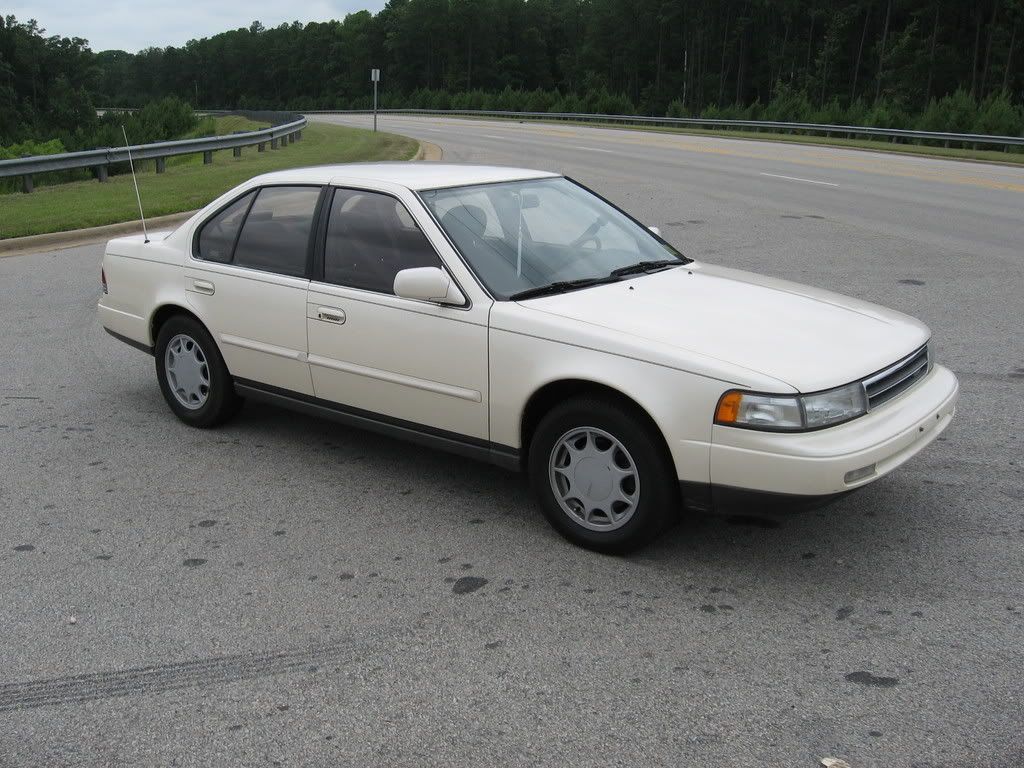
when using photobucket, if you go to each picture's direct-link code, copy it. Then when you get to the Org post screen, click the image button, paste it but put a "th_" after the last slash (/), then reselect the entire IMG code, click the link button, and repaste the original IMG link.
{URL="http://i164.photobucket.com/albums/u16/capedcadaver/IMG_0005.jpg"}{IMG}http://i164.photobucket.com/albums/u16/capedcadaver/th_IMG_0005.jpg{/IMG}{/URL}
switch the {} for [] and below is the result:
{URL="http://i164.photobucket.com/albums/u16/capedcadaver/IMG_0005.jpg"}{IMG}http://i164.photobucket.com/albums/u16/capedcadaver/th_IMG_0005.jpg{/IMG}{/URL}
switch the {} for [] and below is the result:
Last edited by CapedCadaver; May 9, 2008 at 05:29 PM.


Thread
Thread Starter
Forum
Replies
Last Post
dank4us
7th Generation Maxima (2009-2015)
34
Jun 10, 2024 03:45 AM
kirkhilles
5th Generation Maxima (2000-2003)
2
Aug 8, 2015 10:53 AM

