When you click on links to various merchants on this site and make a purchase, this can result in this site earning a commission. Affiliate programs and affiliations include, but are not limited to, the eBay Partner Network.
I will like to find out how I can stream music in my 2011 Nissan Maxima SV.
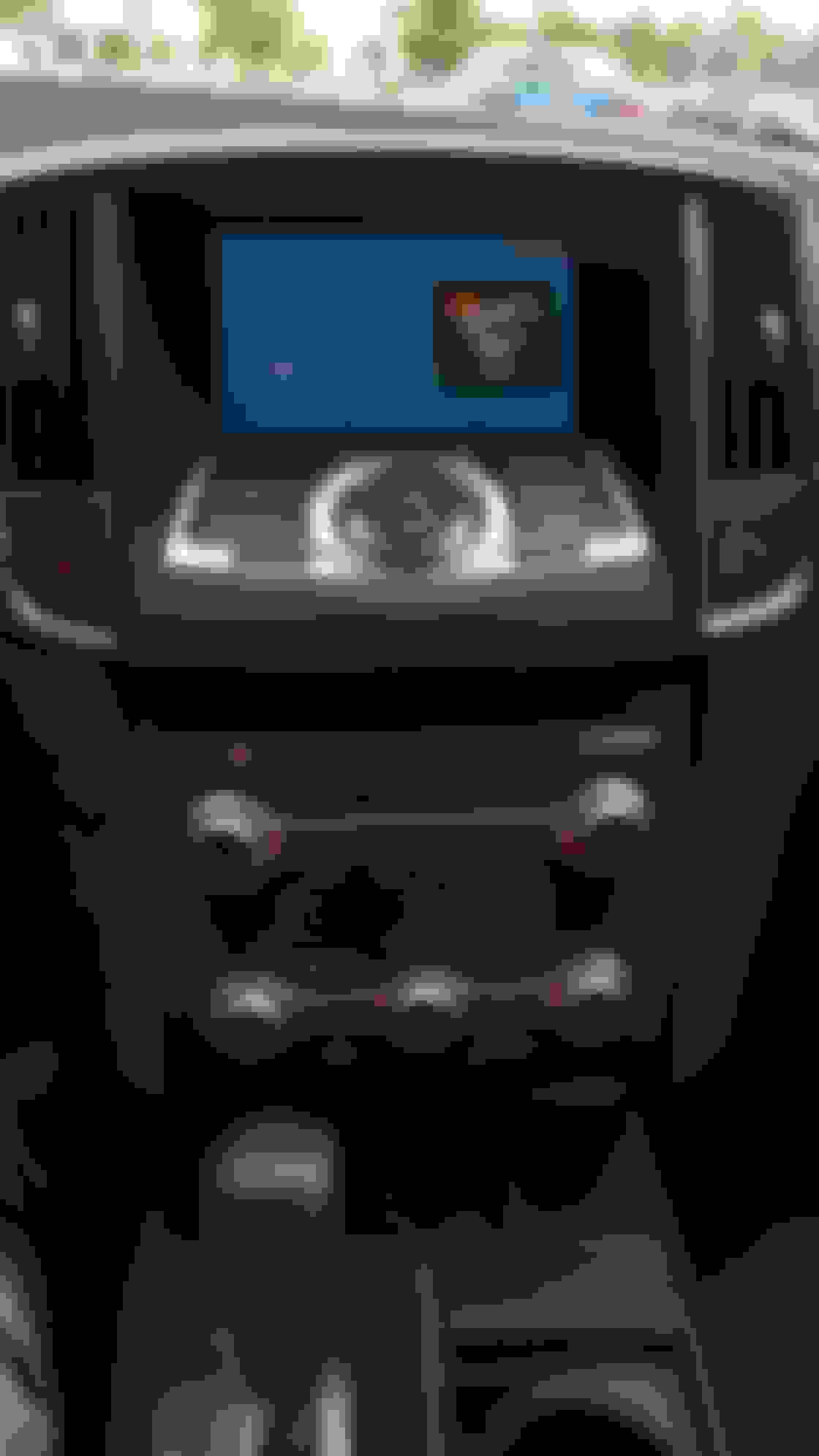
Please help me because my car does not have navigation but it does have a screen with Xm radio, 1 USB port and rca video ports. I did connect my phone to the car'seat Bluetooth but I can only make calls only. Can someone help me out please.
I have a Chromecast connected to a HDMI-in/RCA-out converter box in my 2012 Maxima SV. I use the hotspot from my phone to stream media like Pandora or music files to the Chromecast. Works great but you'll need two phones to get the Chromecast setup on the hotspot. The second phone is used to initially join the Chromecast to the hotspot.
I have a Chromecast connected to a HDMI-in/RCA-out converter box in my 2012 Maxima SV. I use the hotspot from my phone to stream media like Pandora or music files to the Chromecast. Works great but you'll need two phones to get the Chromecast setup on the hotspot. The second phone is used to initially join the Chromecast to the hotspot.
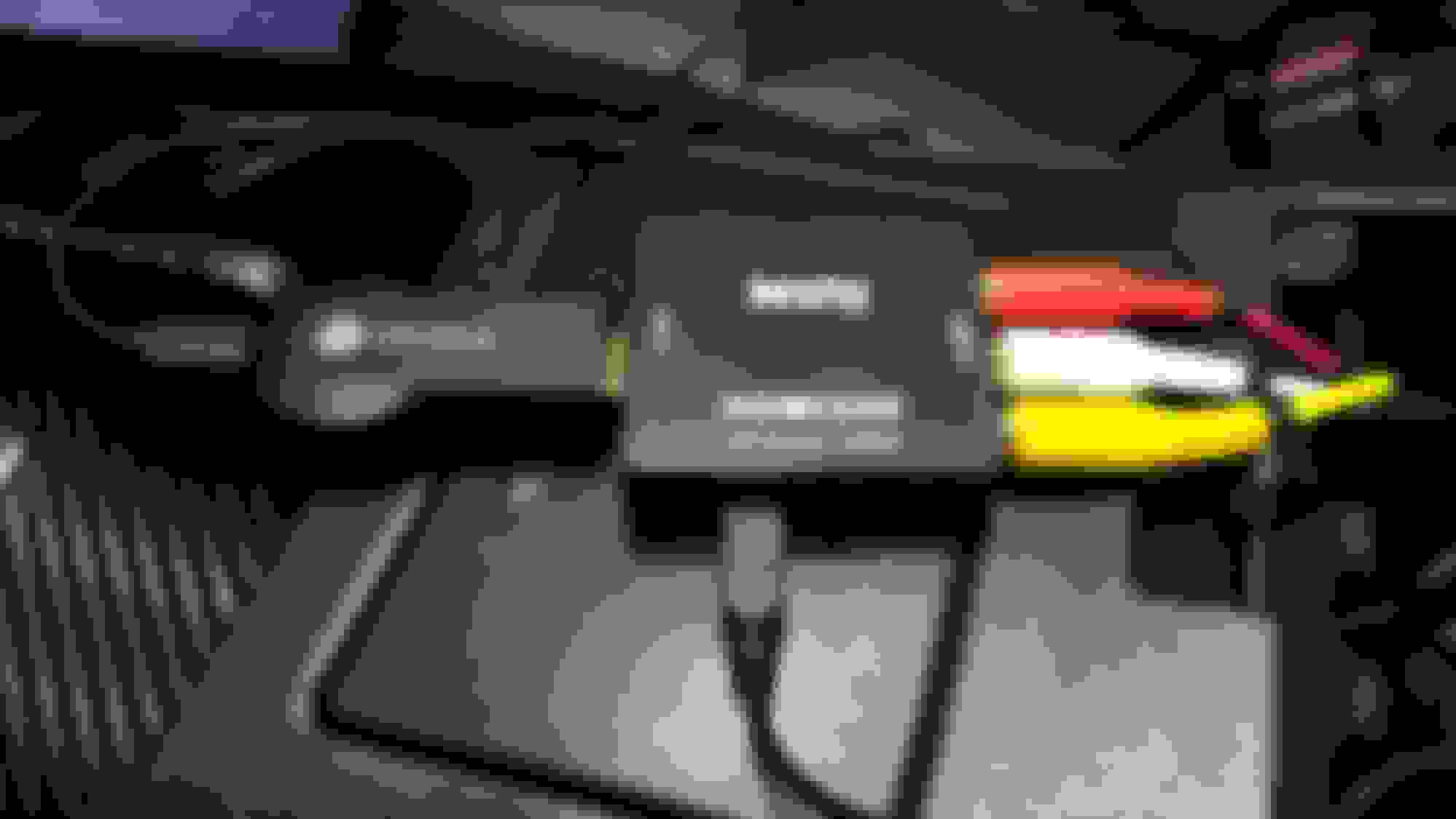
Chromecast install in 2012 Maxima SV
Chromecast install in 2012 Maxima SV
thanks but can you take a picture of the equipment that I need or send a link where I can buy what I need
- Parts needed
Chromecast
NTSC HDMI to RCA converter box ($15-$20 from eBay or Amazon)
RCA cables
2+ USB port charger
two cell phones (Phone 1 used for hotspot, phone 2 used for initial Chromecast setup)
***** (data is used when using chromecast to the phones hotspot. Make sure to monitor the usage if you're not on an unlimited plan)
Google Home App installed on phones (Used to manage Chromecast)
*****(I have Android phones. The procedure for setting up may be different from an iPhone.)
- Connect the Chromecast to the HDMI converter box and one end of the RCA cable to the RCA side of the HDMI converter box. Connect the other end of the RCA cable to the AUX IN that is in the center arm rest.
Chromecast - HDMI2AV converter box
- Connect the USB charger inside the center arm rest thingy. Connect the USB power cables to the USB charger.
- Turn on the car, change the stereo input to AUX.
- Turn on mobile hotspot on phone 1
- On phone 2, connect to phone 1 hotspot.
- On phone 2, open Google Home app, you should be prompted to setup a new Chromecast. Follow the instructions to connect the Chromecast to the hotspot on phone 1.
- Once the Chromecast is connected to the hotspot, open an app like Pandora and look for the Cast icon. Click on the cast icon and choose the Chromecast to cast to.
- Enjoy streaming media to your Chromecast.
***Side note: I have an HTC 10 that I use for the hotspot. My old setup, I was able to use one phone to cast media once the Chromecast was setup. I’m not sure if it’s related to a recent app (Home) update but I can no longer cast from the phone that is being used as a hotspot. I’m now forced to use my old Android phone (HTC M9) to stream/cast to the Chromecast through the hotspot. So my current setup is the Chromecast, hotspot from phone 1, and casting from phone 2.
***
***Side note update (09/15/2017). Figured out my issue. Make sure to enable "Guest Mode" as you are setting up the Chromecast. Guest mode will allow you to cast from the phone you're using as the hotspot.
I hope my instructions make sense.
Last edited by lunaillij; Sep 15, 2017 at 10:54 AM.
I like the Chromecast idea and I have thought about it for my wife's Acadia with the rear entertainment center.
I use a MotoStream in my Maxima which is bluetooth audio and will allow 5 users to connect at once. Everyone can take turns playing a song if they want.